How to update Vnish Firmware using updater
The vnish updater is an app that runs on the same network as your ASIC miners: it discovers
miners, installs the API key on them when needed, and sends data
to our server.
- Download and run Vnish updater
🔹 Download windows 💾
🔹 Download linux🐧 - Run it on a computer that can reach the miners’ network (same LAN or VPN).
After start, the agent page opens in the browser (http://localhost:808x, where x is a free port). - Configure the agent in the web UI
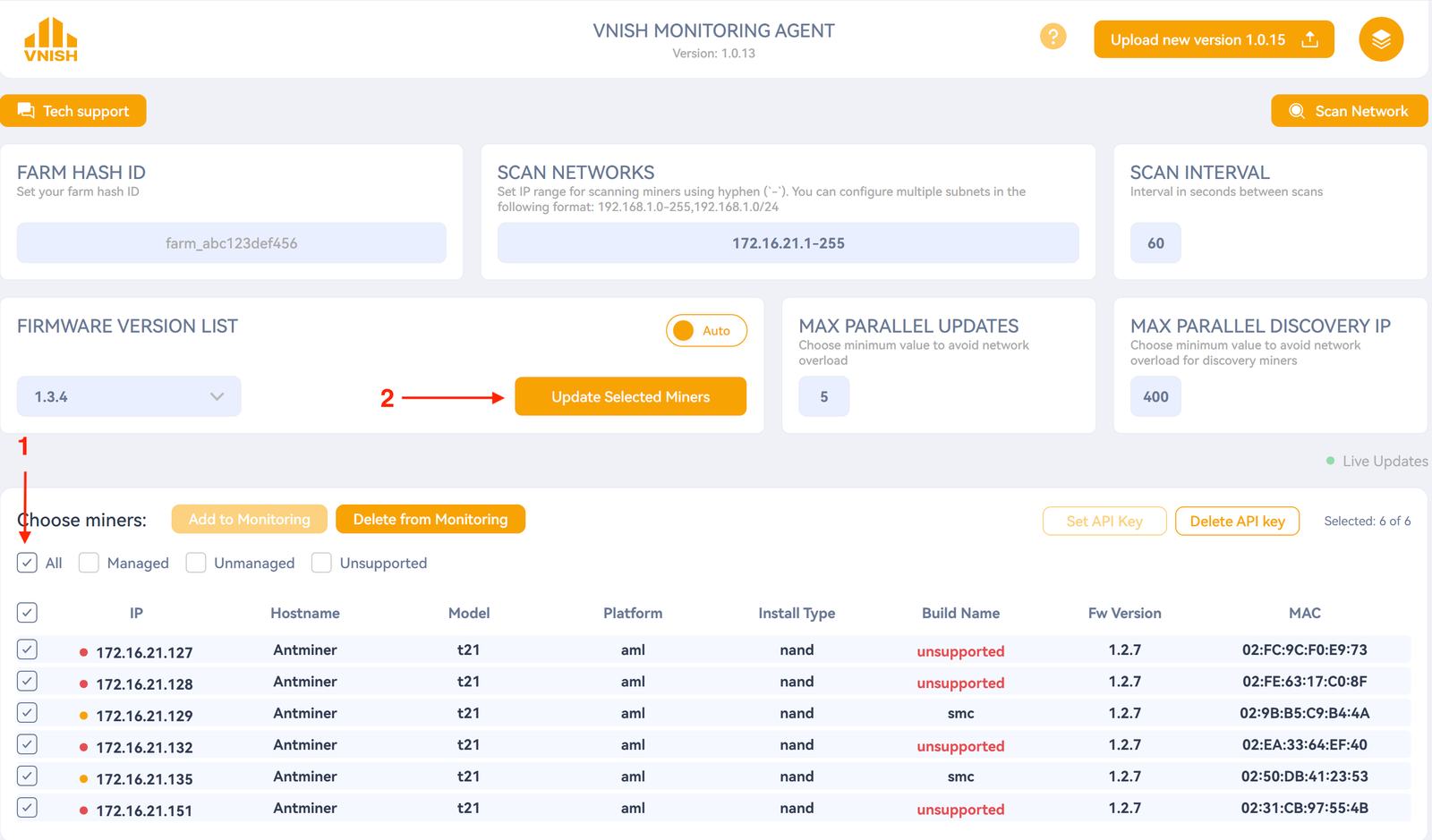
On the home page, fill in:
Farm Hash ID — your farm Hash copied from the farm page in the account.
Network scan — subnets to search for miners, comma-separated, e.g. 192.168.1.0-255,192.168.1.0/24.

- Select the miners you need to update and click – update selected miners
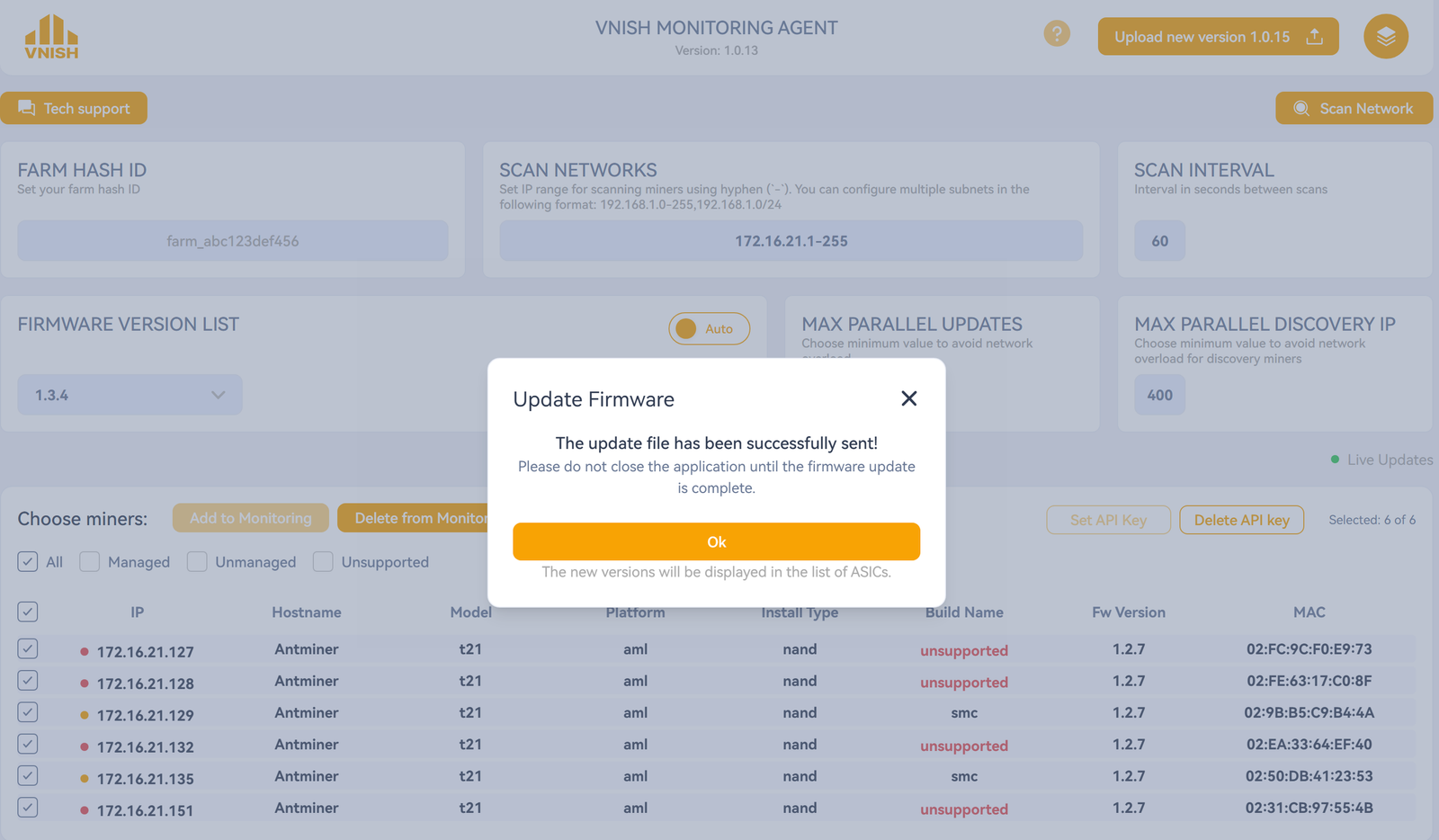
- Wait for the update process to complete